
TKASH Helps Members Manage and Share Referral Information Efficiently
Table Of Content
- Introduction to the Referral Feature
- Understanding Referral Dashboard Data
- Step 1 Access Your Referral Information
- Step 2 View Personal and Group Statistics
- Step 3 Share Your Referral Link
- Monitoring Referral Performance
- Referral Best Practices
- Related Tutorials and Resources
- Frequently Asked Questions
Introduction to the Referral Feature
Build Your Network Through Referrals
TKASH provides a referral feature that allows members to share a personal referral link, monitor team activity and track referral performance through a dedicated dashboard. The referral system helps users understand their network growth and group activity in one place.
Understanding Referral Dashboard Data
Key Statistics Available on the Dashboard
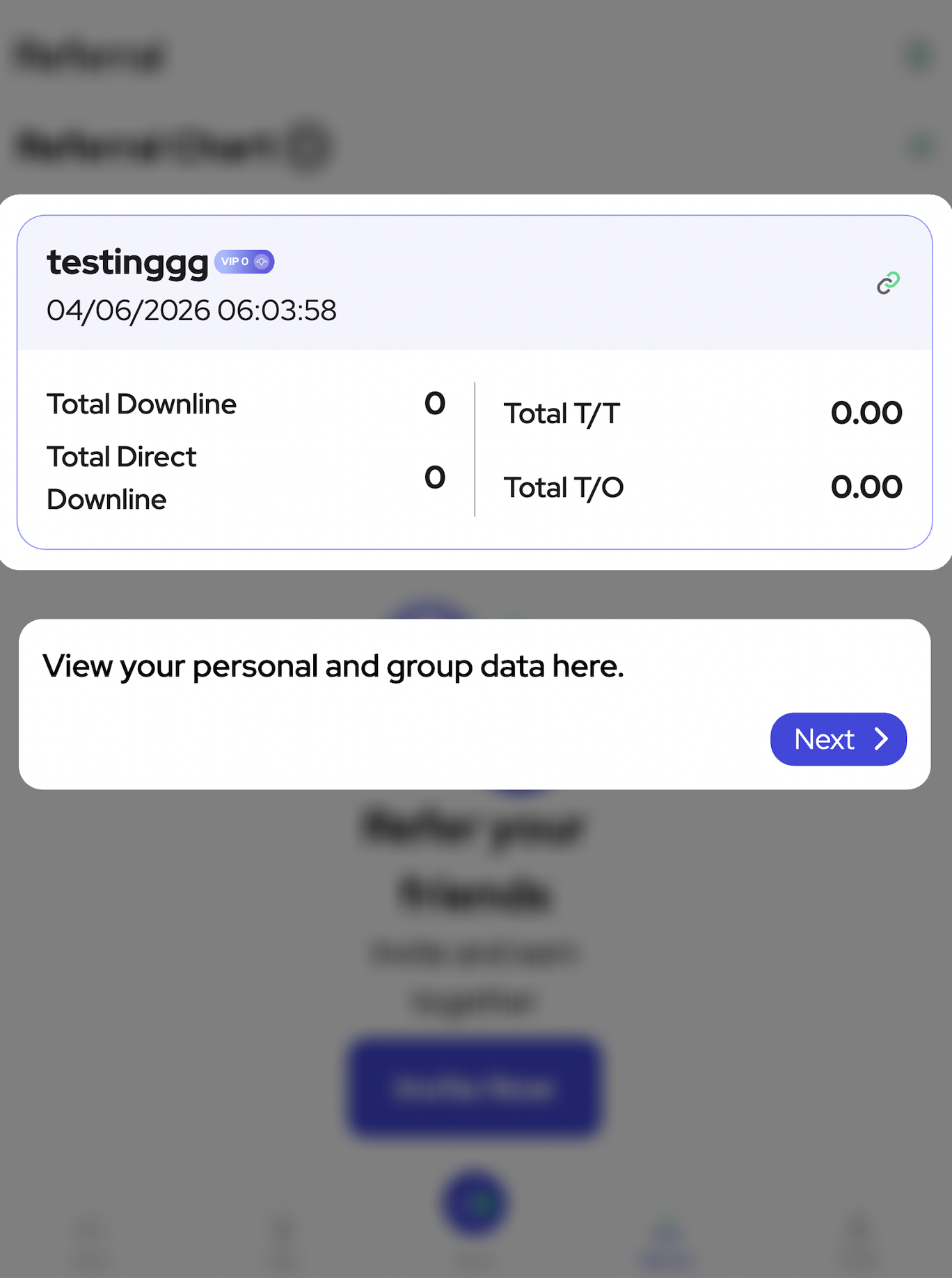
The referral page displays useful information including total downlines, total direct downlines, total transaction values and accumulated activity statistics. These figures help members monitor personal and group performance more effectively.
Users can review referral-related information through the dashboard and use available sharing tools to invite new members.
Step 1 Access Your Referral Information
Open the Referral Section
Navigate to the referral area from your account dashboard. The referral page provides access to personal network information, referral statistics and sharing options.
Go to Referral Dashboard (Anchor Link: #step-1-access-referral-information) to view your current referral information.
Step 2 View Personal and Group Statistics
Review Network Performance Data
The referral dashboard displays personal and group data, including direct downlines and overall team activity. Reviewing these statistics regularly can help users understand the growth of their referral network.
View Personal and Group Data (Anchor Link: #step-2-view-referral-statistics) to monitor referral performance and activity.
Step 3 Share Your Referral Link
Copy and Share Your Personal Referral Link
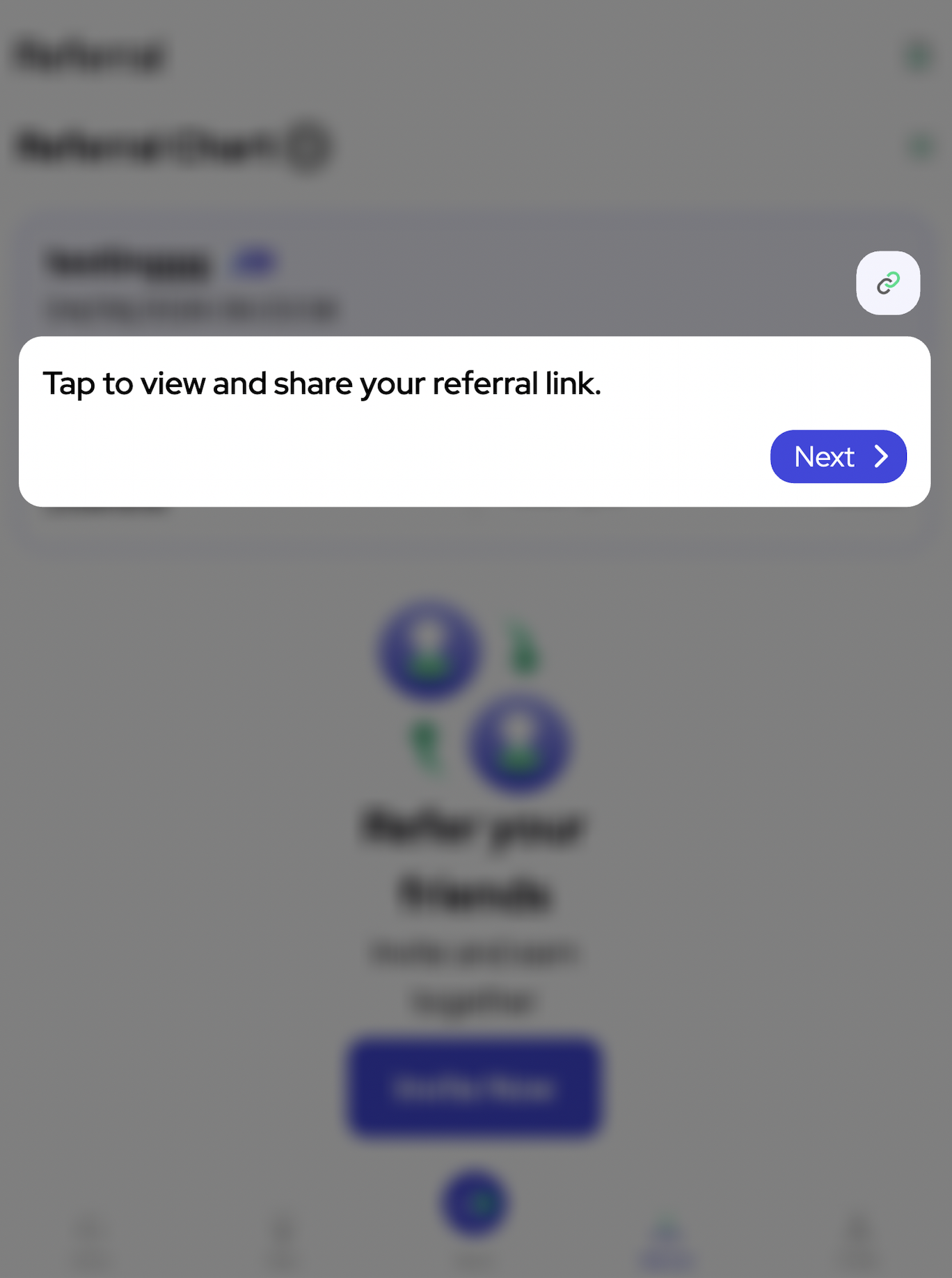
Tap the referral sharing icon to view and copy your referral link. Members can then share the link with friends, family members or potential new users through their preferred communication channels.
Share Your Referral Link (Anchor Link: #step-3-share-referral-link) to invite new users to join your network.
Monitoring Referral Performance
Track Direct and Team Growth
Regularly review referral statistics to understand network development. Monitoring direct referrals and overall group activity can provide valuable insights into referral engagement.
Check Updated Referral Information
Dashboard information may be updated periodically. Members should review their statistics from time to time to stay informed about referral progress.
Referral Best Practices
Share Responsibly
Only share referral links with individuals who may be interested in platform services. Avoid unsolicited promotion and always provide accurate information when introducing referral opportunities.
Maintain an Active Network
Encouraging active participation and providing guidance to referred members may help improve engagement and strengthen your referral network over time.
Related Tutorials and Resources
Continue Exploring Platform Features
Learn more through Introduction Tutorial (Internal Link: /en/tutorial/introduction), Top Up Tutorial (Internal Link: /en/tutorial/top-up-tutorial), Remittance Tutorial (Internal Link: /en/tutorial/remittance-tutorial) and VIP Tutorial (Internal Link: /en/tutorial/vip-tutorial).
Members may also explore Register (Internal Link: /en/register), Login (Internal Link: /en/login), Download (Internal Link: /en/download), Agent (Internal Link: /en/agent), Rank (VIP) (Internal Link: /en/rank), Promotions (NEW TK8) (Internal Link: /en/promotion) and Terms & Conditions (Internal Link: /en/terms-conditions).
Official website: https://tkashofficial.com
Frequently Asked Questions
Where Can I Find My Referral Link?
Your referral link is available within the referral section and can be copied or shared directly using the provided sharing tools.
What Information Is Displayed on the Referral Dashboard?
The dashboard may include direct downline counts, total downlines, transaction-related statistics and other referral performance information.
How Can I Grow My Referral Network?
Share your referral link responsibly, assist new members when appropriate and maintain regular engagement with your network.
Start Building Your Referral Network
Follow the referral tutorial to learn how to access referral information, monitor team performance and share your referral link efficiently through the TKASH platform.